
→
The same product
Boards, sprints, the dependency graph, tasks with estimates and time tracking, and the iOS and Android apps — the hosted app runs the same TaskView as a copy you install.
TaskView for universities, schools and nonprofits
TaskView is a project tracker for groups that change every term. Sign in to the hosted app, or run your own copy in Docker — the Community Edition has no user limit, so the whole cohort fits on one instance at zero cost. Not a trial, not a seat allowance.
A $6 / user / month plan
$1,440/ mo
The bill is the class list
TaskView Community Edition
$0
No user limit, no expiry
There is a hosted TaskView at app.taskview.tech. Sign in, create a project, invite the group — nothing to provision and nobody in IT to ask first.
Boards, sprints, the dependency graph, tasks with estimates and time tracking, and the iOS and Android apps — the hosted app runs the same TaskView as a copy you install.
If you want a group working by next week and nobody has time to stand up a server, this is the shorter road. You can move to your own instance later.
On infrastructure the maintainer runs, not yours. If your institution needs the data on its own machines — student records, minors, donor details — read the next section instead.
Both roads lead to the same interface, so nothing you set up on one has to be relearned on the other.
Three files and one command, and the whole thing lives on a machine you control. If your department already runs its own servers, this is a normal Tuesday.
A database, an API server, the web app and a one-time migration runner. Ports 8888 and 1725 by default, both changeable in the compose file.
Set ALLOW_PUBLIC_REGISTRATION=false and the instance stops accepting strangers. People you invited still sign in with a magic link or their Google, GitHub or Apple account.
Single sign-on over SAML 2.0 or OIDC — Okta, Azure AD, Google Workspace, Keycloak — plus SCIM provisioning, free in the Community Edition. Accounts are created and deactivated from there, so people who leave lose access without anyone remembering to remove them.
No signup, no licence key, no seat counting. If it does not fit the course, docker compose down and you have lost an afternoon.
Boards, sprints, dependencies and estimates here are the same ones a product team works with, not a simplified teaching version of them.
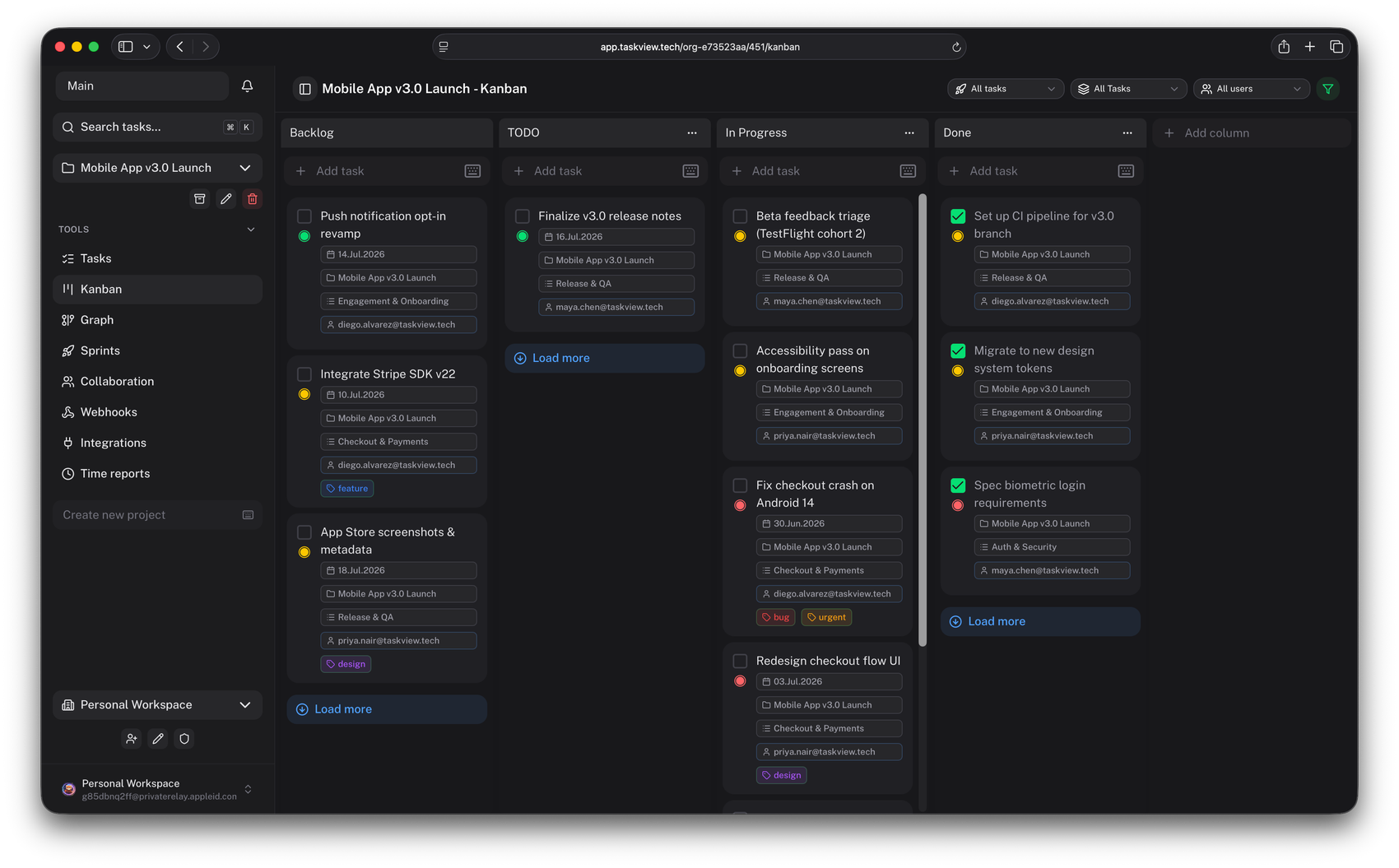
Boards the group owns — custom status columns per project, drag and drop.
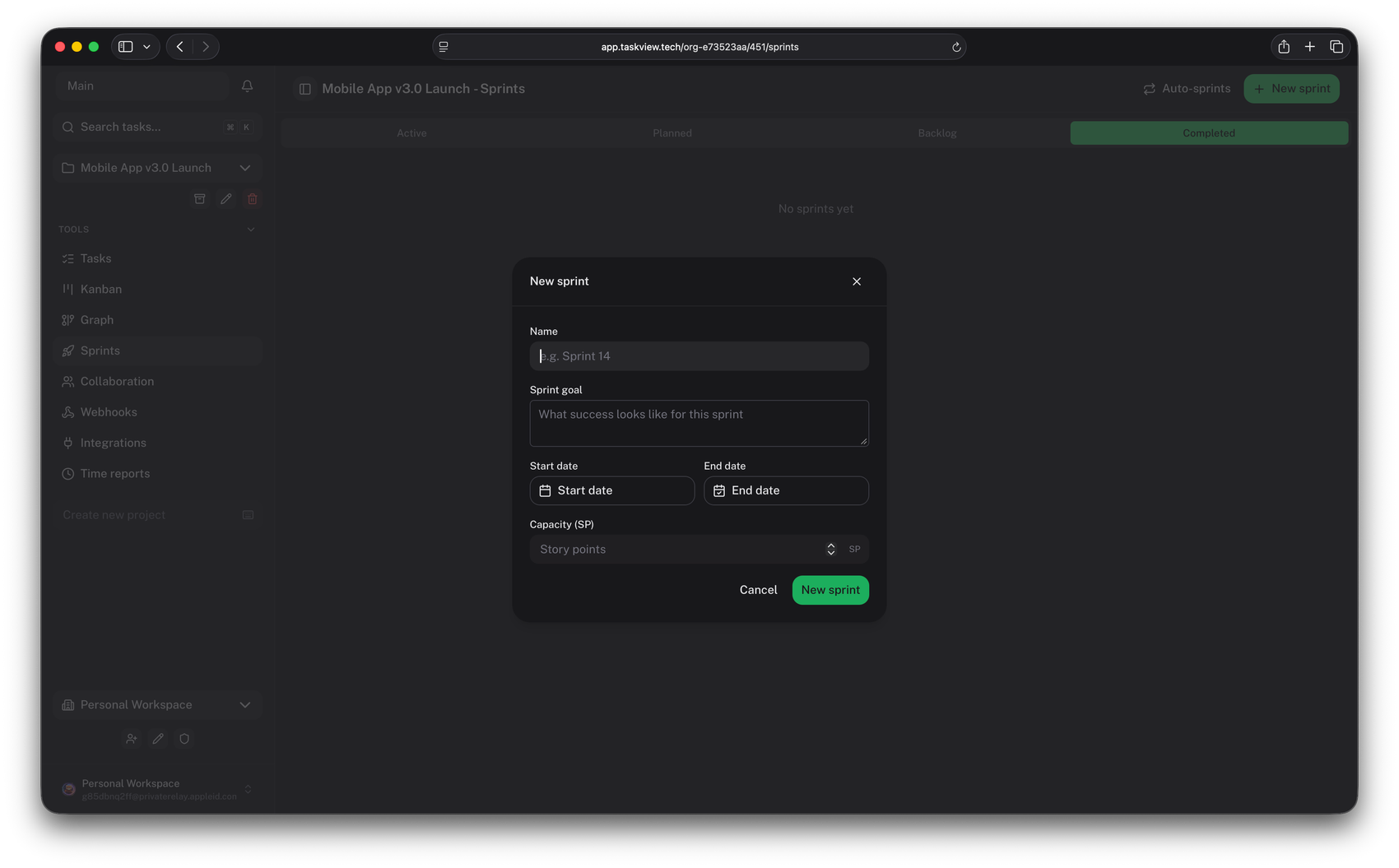
Work in cycles — plan a sprint, see what carried over into the next one.
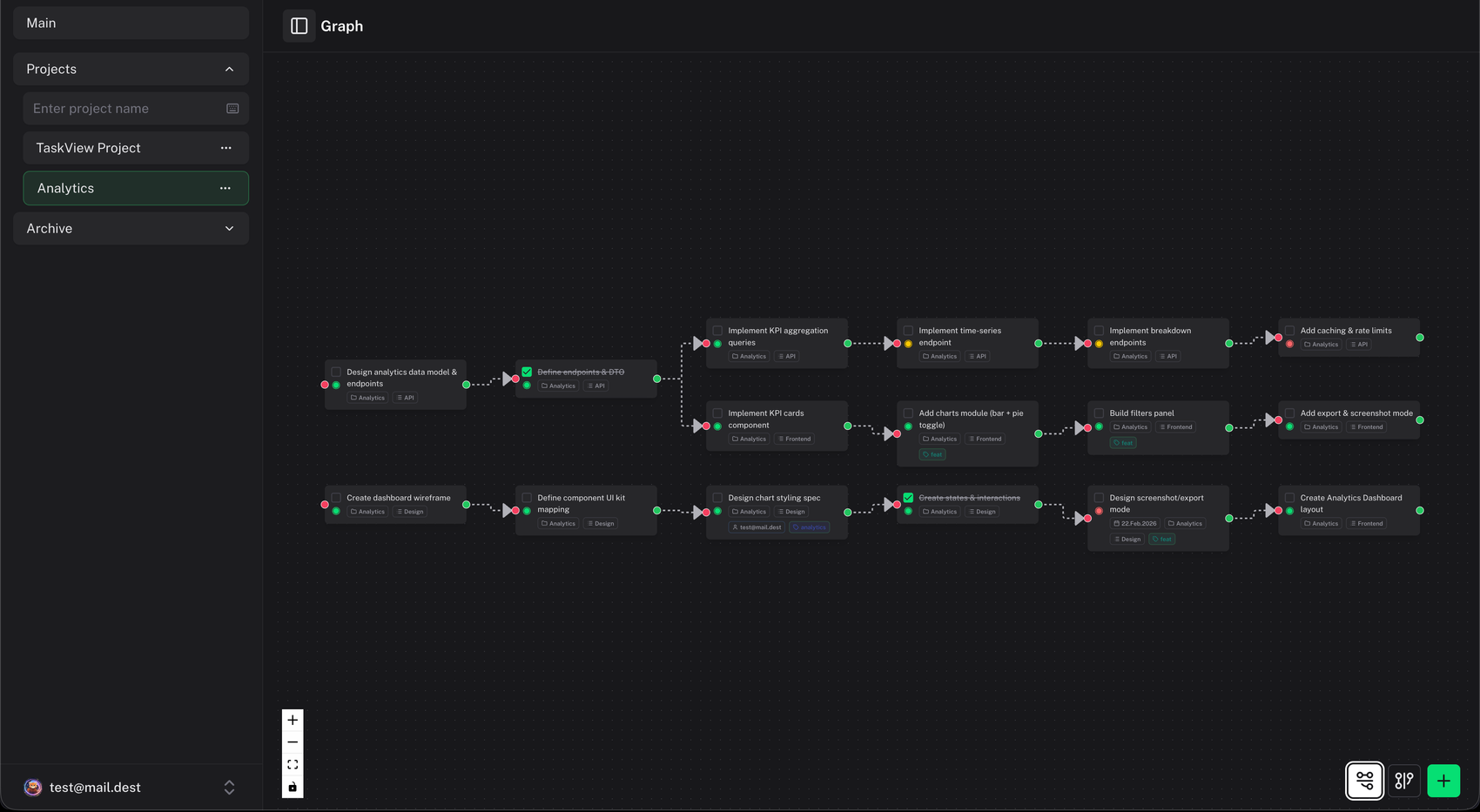
What blocks what — link tasks and follow the chain of dependencies on an interactive graph.
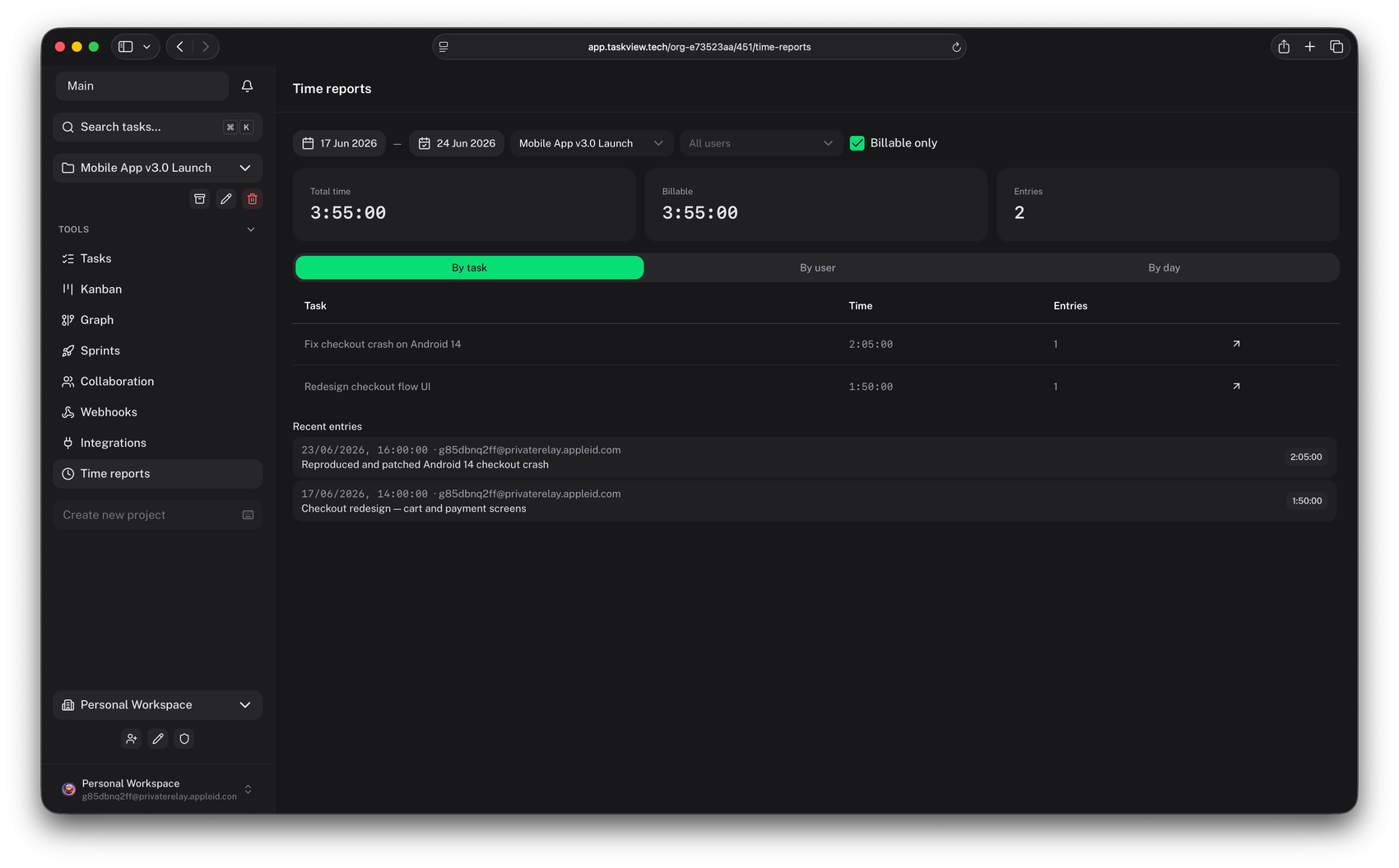
Estimate, then find out — an estimate on every task and the hours actually logged against it.
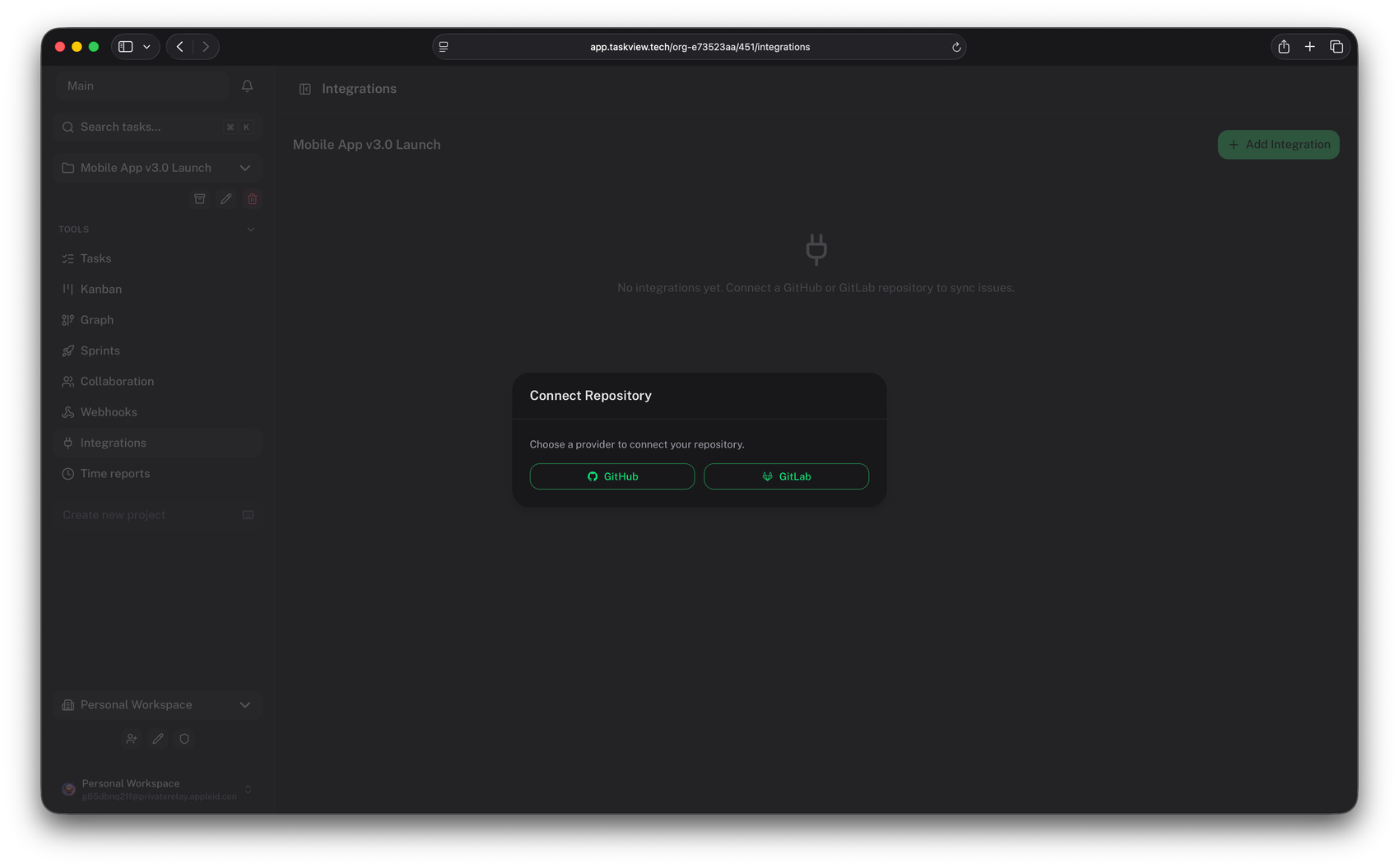
GitHub, GitLab and Gitea integrations import repository issues as tasks, keep them updated through a webhook, and push a task’s completed state back to the issue. The board and the repository stop drifting apart.
Roles are built per project out of 28 permissions, and the server checks them on every request — not only in the interface. A student cannot read the marking notes by opening developer tools.
An example split — you define your own roles, and a role in one project never carries into another.
Watch what a seat-priced plan does when one group finishes and the next one arrives.
Autumn term
Cost of the same 240 people
Every term the seat plan starts counting again. The Community Edition never started.
And the work stays: tasks, their full change history and the time logged against them. A scoped API token gets it out whenever the department wants it elsewhere.
The interface ships in five languages, so an international cohort is not reading a second language before it starts reading the task.
Native iOS and Android apps sync with your own server, so the board is in a pocket rather than only in the lab.
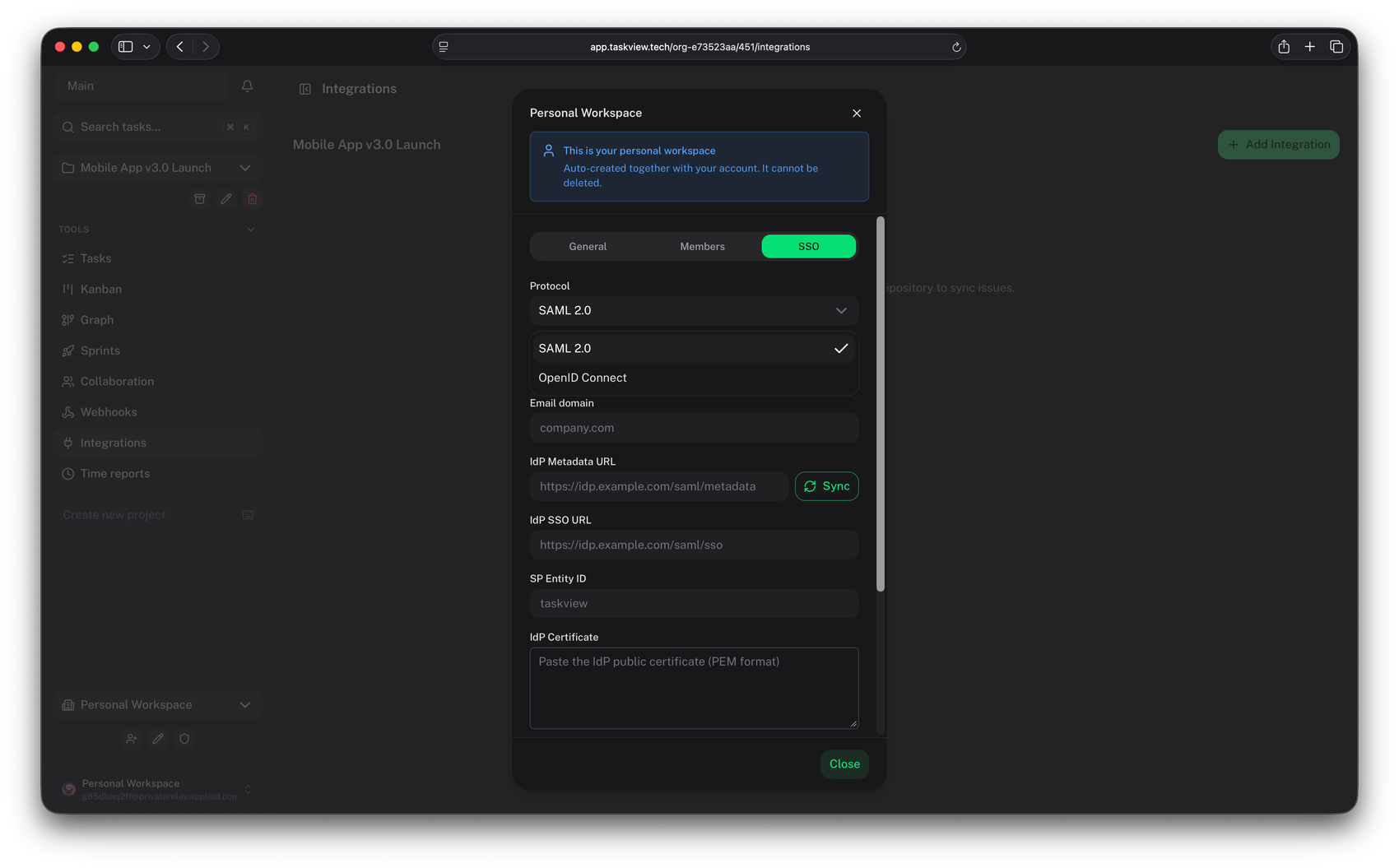
SSO and SCIM are in the free edition — there is no enterprise tier to reach first.
Community Edition, any number of people
$0
Boards, sprints, graphs, time tracking, 28 permissions, SSO, SCIM, API tokens and the mobile apps. Free, permanently, with no user limit.
There is a paid edition for institutions that need the commercial extras — an audit log, priority support and a document the finance office can file. It is one payment per organisation, not a subscription and never per seat.
Most schools, courses and volunteer teams never need it. Current terms live at taskview.tech/pricing.
One evening on a spare machine, one course moved onto it, and you will know by week three whether it belongs in the syllabus.