
Two records
Hours live in another tab
The tracker holds the work and a second tool holds the time. One of the two is always stale, and someone spends Friday reconciling them.
For studios running work for more than one client
TaskView is a self-hosted project manager for a team that serves several clients at once. Roles are set per project, so a client sees their own work and nothing else. Hours are logged on the task instead of in a second tool. Your team and contractors are free at any headcount, and bringing clients in is one flat licence — never a bill per seat.
The leak
None of these is a tooling problem on its own. Together they are the difference between a project that made money and one you only believe did.
Two records
The tracker holds the work and a second tool holds the time. One of the two is always stale, and someone spends Friday reconciling them.
Seats
Per-seat plans bill by the head, not by the engagement. So you either pay for the month or share a login and lose track of who actually did the work.
Seats
A read-only reviewer is priced like a full teammate, so clients get emailed screenshots instead — and the email thread quietly becomes the source of truth.
The answer
The estimate sits in the proposal, the hours in a timesheet, the invoice in the accounting app. The answer arrives a quarter after you needed it.
Access
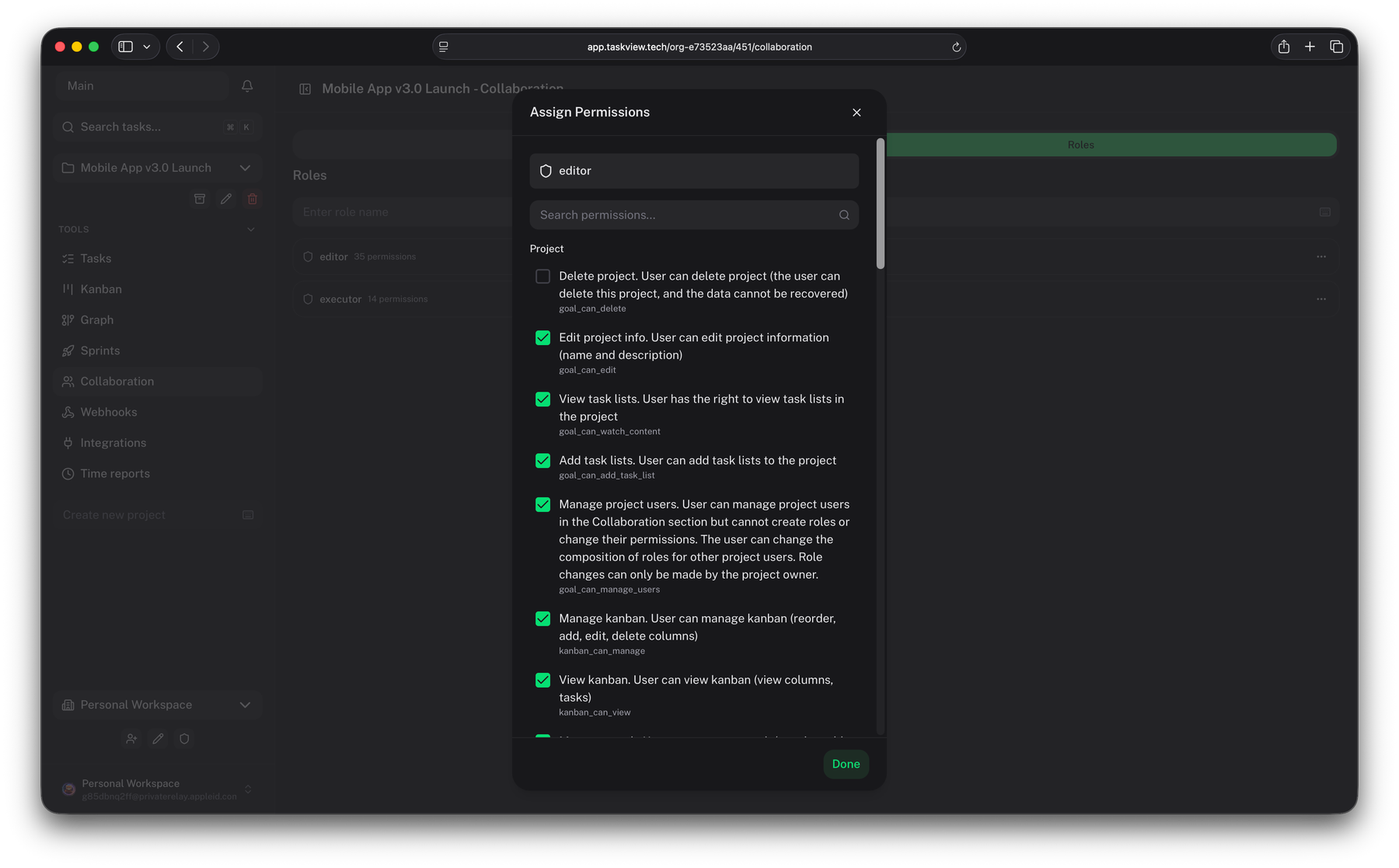
Roles are defined inside each project, one at a time. Pick a role below and watch the same workspace change around it.
Pick a role — or keep scrolling
An example set of roles — you build your own from 28 permissions, and a role in one project never carries into another.
“Permissions are enforced on both client and server — even if someone inspects the UI or calls the API directly, the server checks permissions before allowing any action.” TaskView documentation
Hours
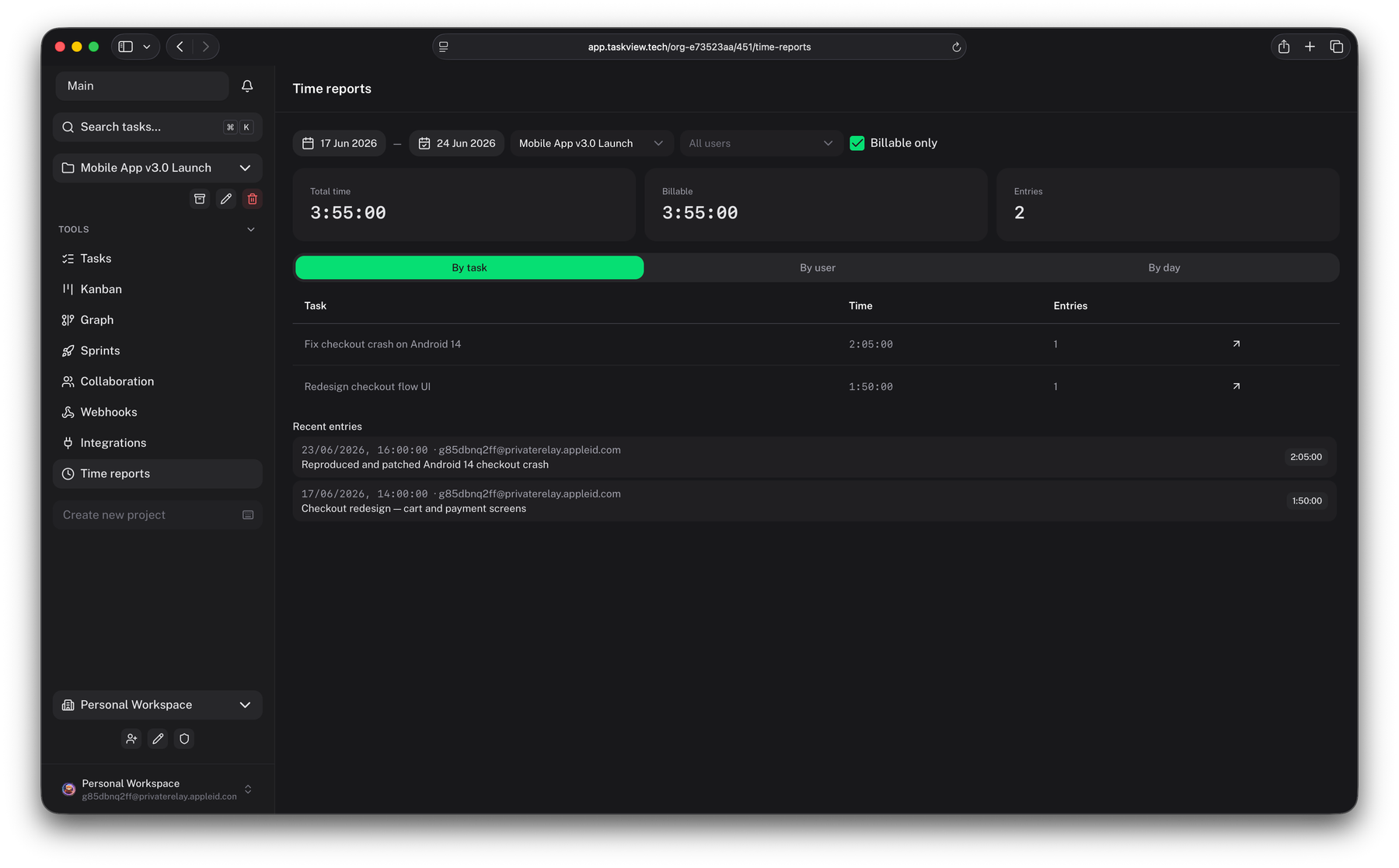
Time tracking and the numbers it feeds sit on the task, not in a parallel system you reconcile on Fridays.
Log
Run a timer while you work, or add the entry by hand afterwards. Every entry belongs to the task it came from, so the record of what happened and the record of how long it took never drift apart.
Settle
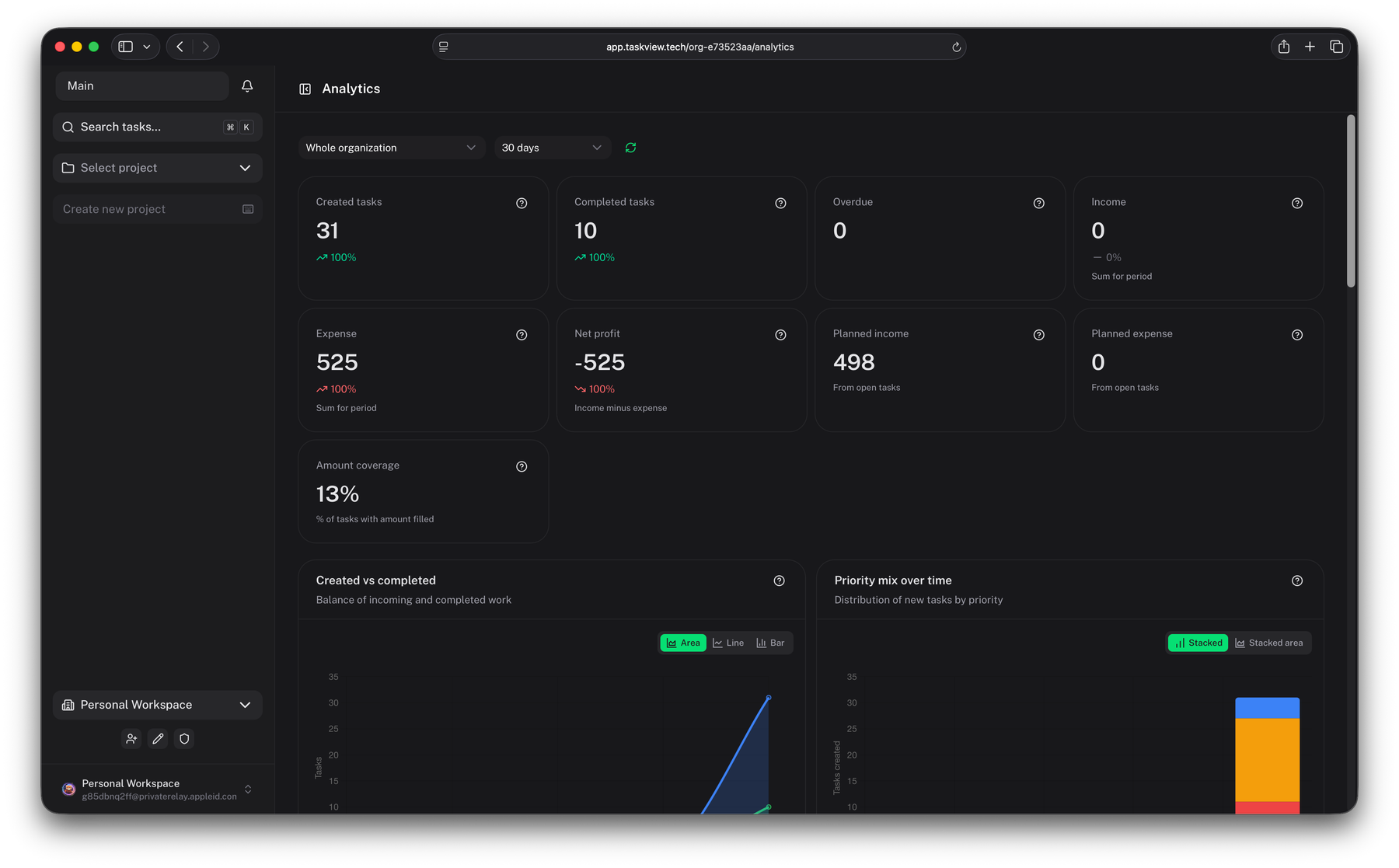
Income and expense amounts sit on the tasks, next to the work that earned them, and analytics rolls them up. The question every studio asks at the end of a phase has an answer on a screen instead of in a spreadsheet somebody has to build first.
At invoice time
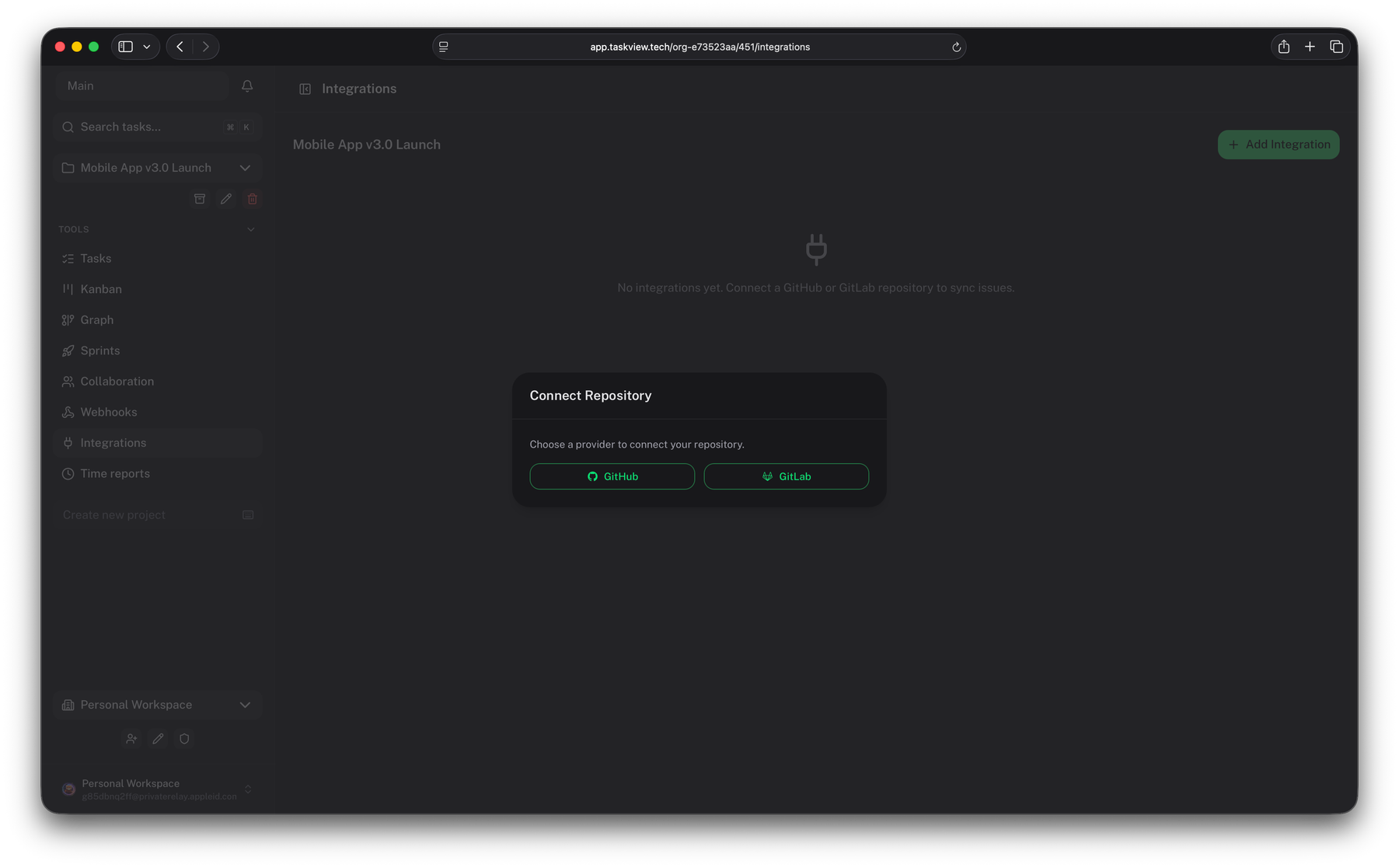
The same reports are API endpoints. A scoped token lets your billing script — or an AI assistant through the MCP server — pull the month's billable hours by project and by person, without giving anything a login it doesn't need.
The cast
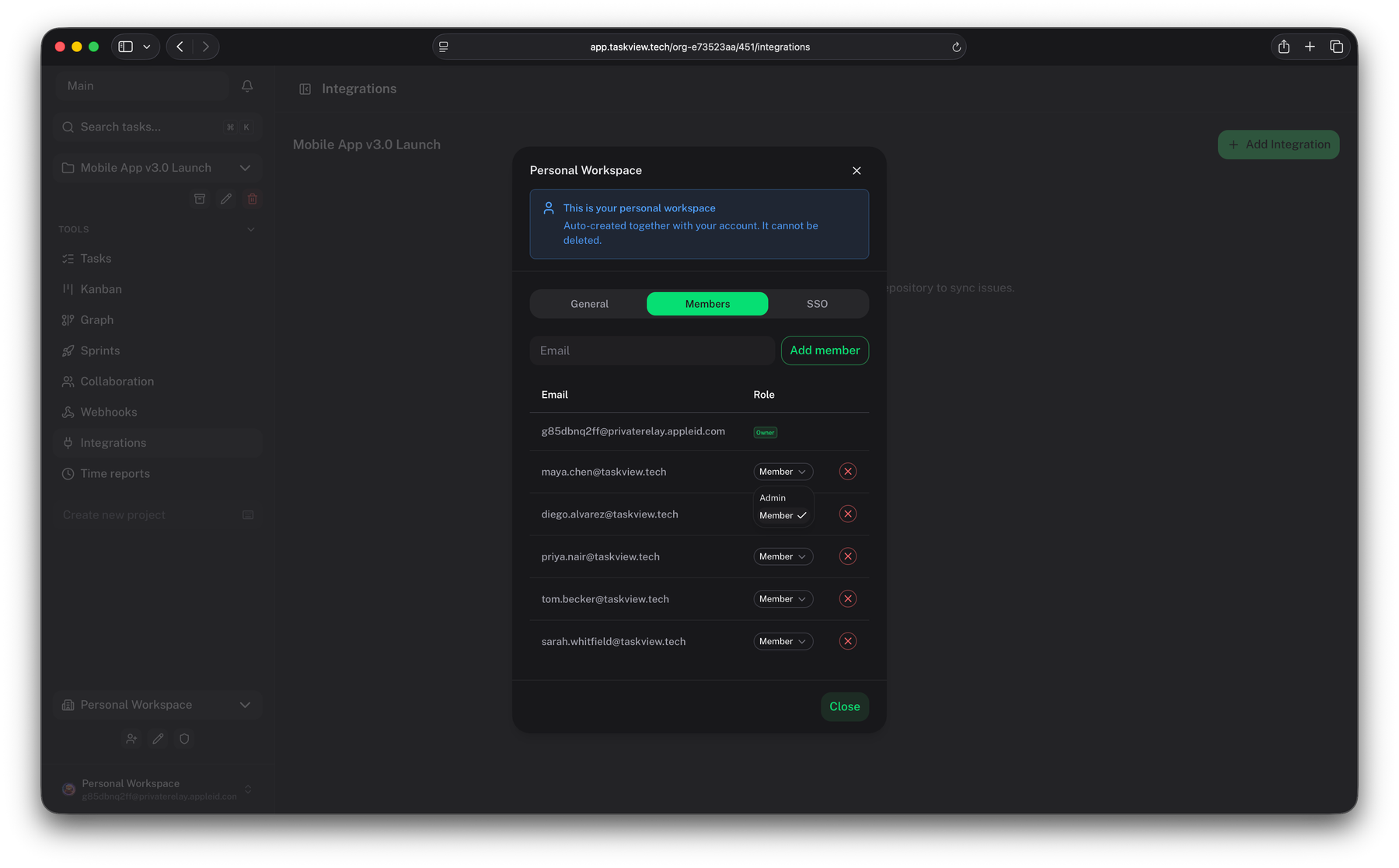
A studio's roster changes every month. Your tooling bill should not notice.
The Community Edition has no seat limit and no bill for your own people — staff and contractors working on your behalf. Add the contractor on Monday and remove them when the phase ships. Client reviewers are outside the Community licence: they come in under a commercial licence, paid once per organisation and never per head.
Compared against $6 per user / month, a common list price for commercial self-hosted plans. Use your own quote. The TaskView figure is the Starter licence at the founding price — up to 20 people, client accounts included.
The workspace
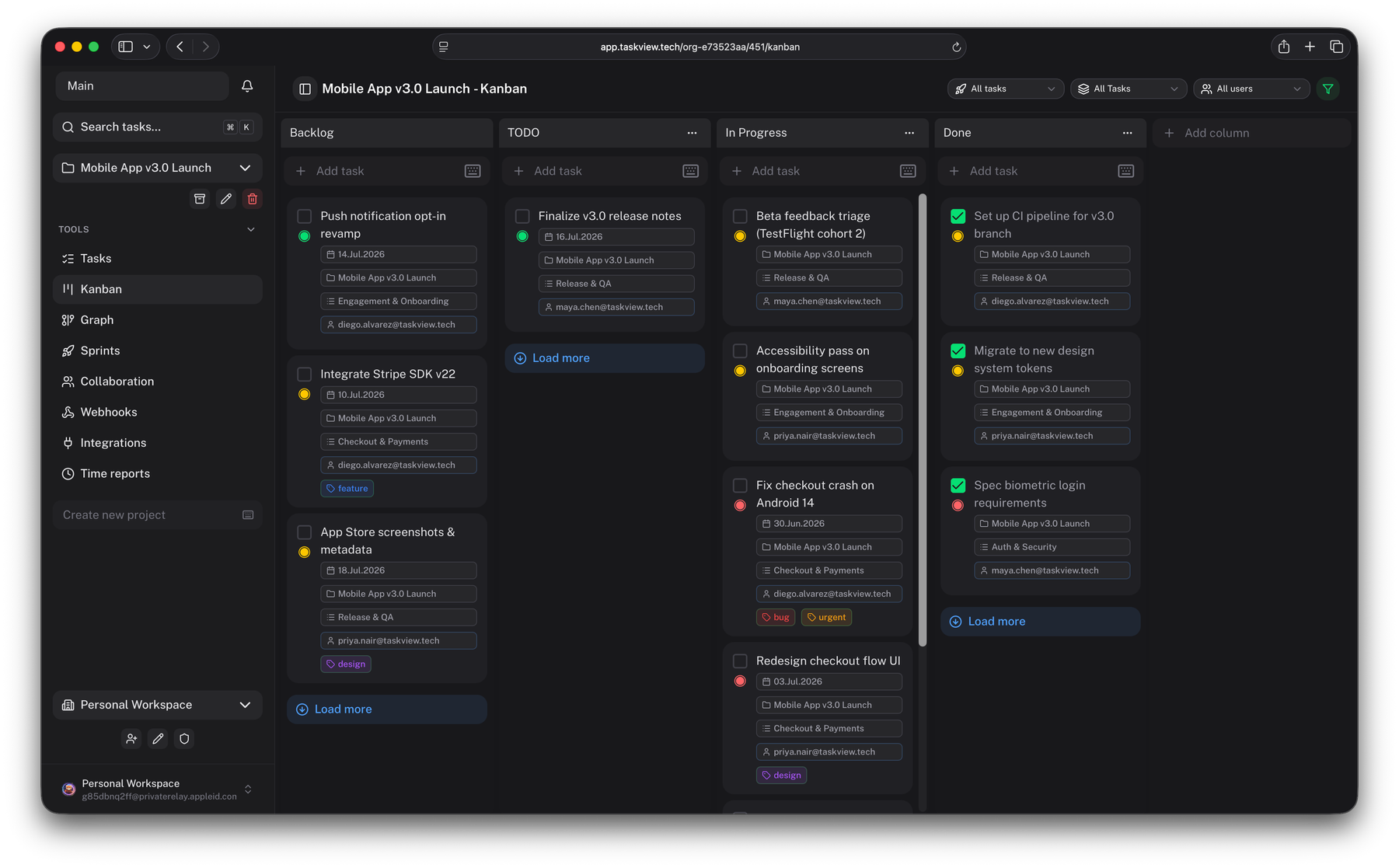
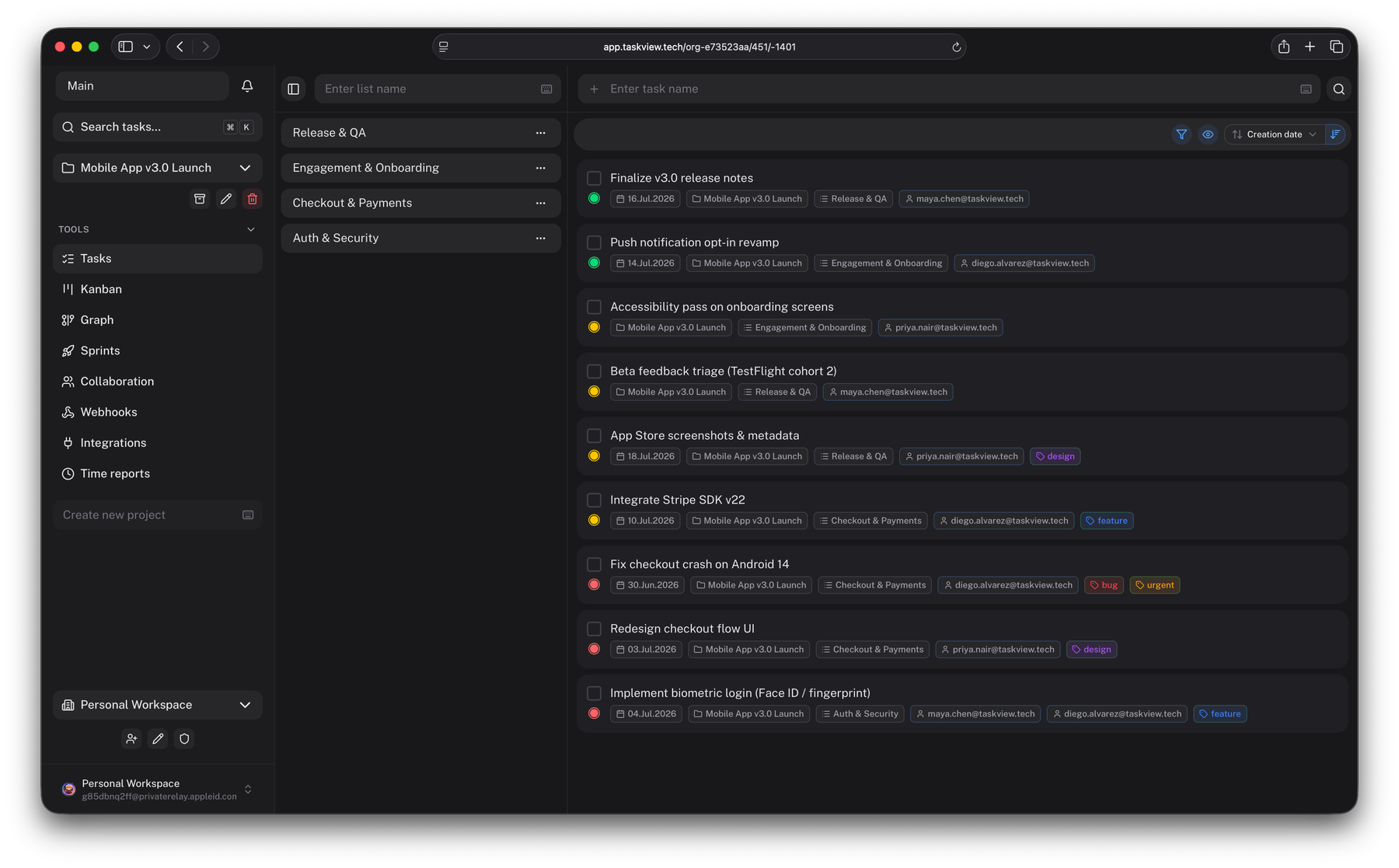
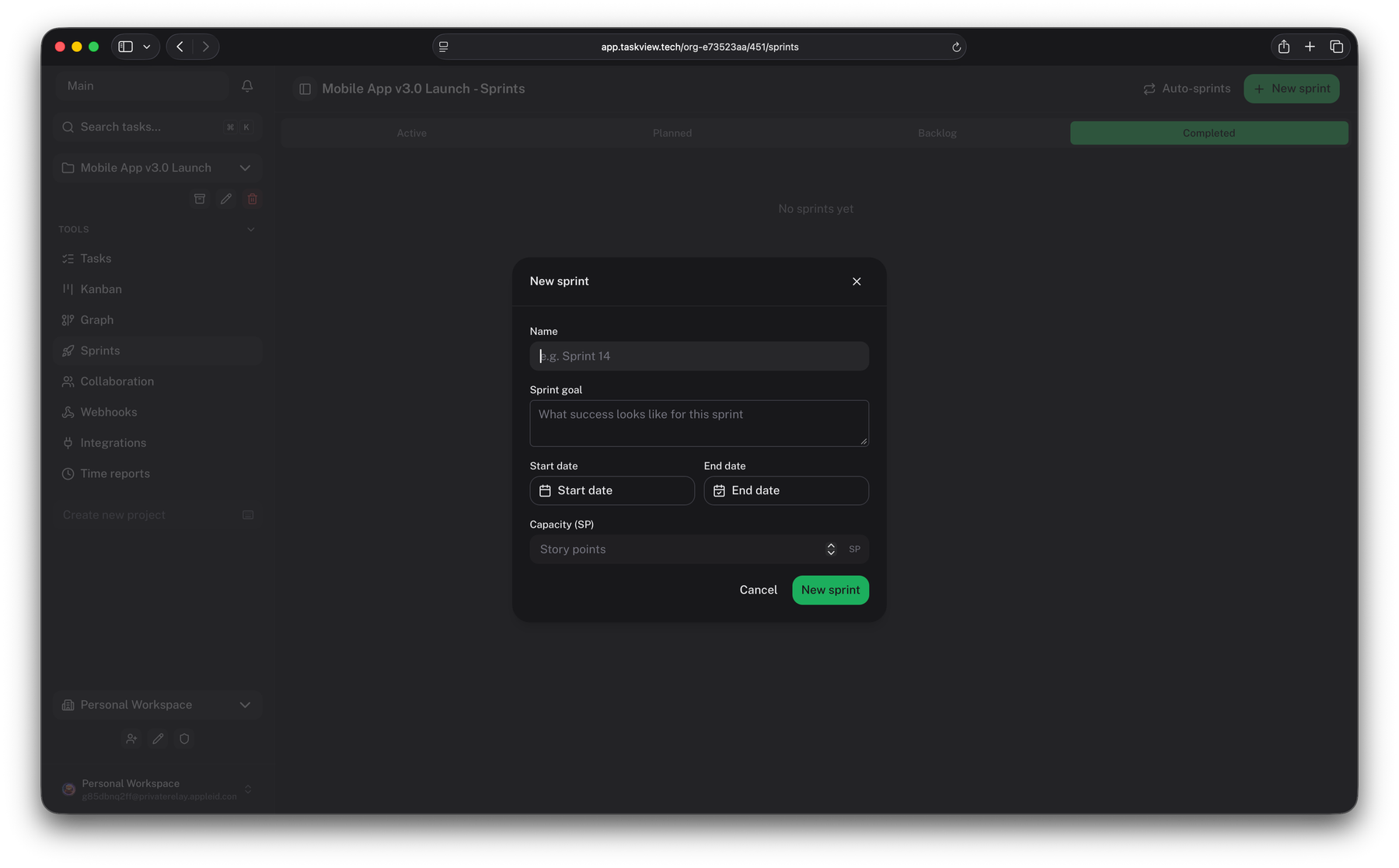
One project per client, lists inside it, and the views your team actually uses.
The paperwork
TaskView runs in your own Docker, on your own domain. Client work stays on infrastructure you control, which is what most MSAs and NDAs are really asking about when they ask where the data lives.
Price
The Community Edition is the whole product at no cost and no seat limit, for your own team and contractors. The Special Edition licence is the one you need once clients log in — one payment per organisation, per major version.
Founding customer pricing — about 30% off, 7 of 10 licences left
Your team and contractors
$0
Free forever
Up to 20 people
$990$690
One payment
Up to 50 people
$2,490$1,740
One payment
Unlimited people
$4,990$3,490
One payment
Every licence includes client accounts, counted in the tier's people limit · perpetual use of 1.x · all 1.x updates, new features and all · audit log · priority support from the maintainer · an invoice your accounting will accept
Order
Tell me about the studio and I'll reply within 24 hours with an invoice and payment options. No sales call, no procurement maze.
Perpetual
Keep using the last version you received, forever. If the project stopped tomorrow, your instance keeps running.
Updates
Every update inside the major version you bought, new features and all. You pay again only for the next major version, and only if you want it.
Security
SSO with SAML 2.0 or OIDC and SCIM provisioning stay free in the Community Edition, at any number of people.
Paperwork
A proper invoice referencing the SE License Agreement, so it clears your books like any other software purchase.
Would rather just write? Email [email protected] or message me on Telegram.
Stand it up on a spare VPS this afternoon, move one client onto it, and see whether Friday gets shorter.